Building a Production-Ready Flutter App with Firebase: Architecture, Authentication & Clean Code | FSD Ramjan
Learn how to build production-ready Flutter applications using Firebase, GetX, and Clean Architecture. Explore authentication, reusable widgets, state managem
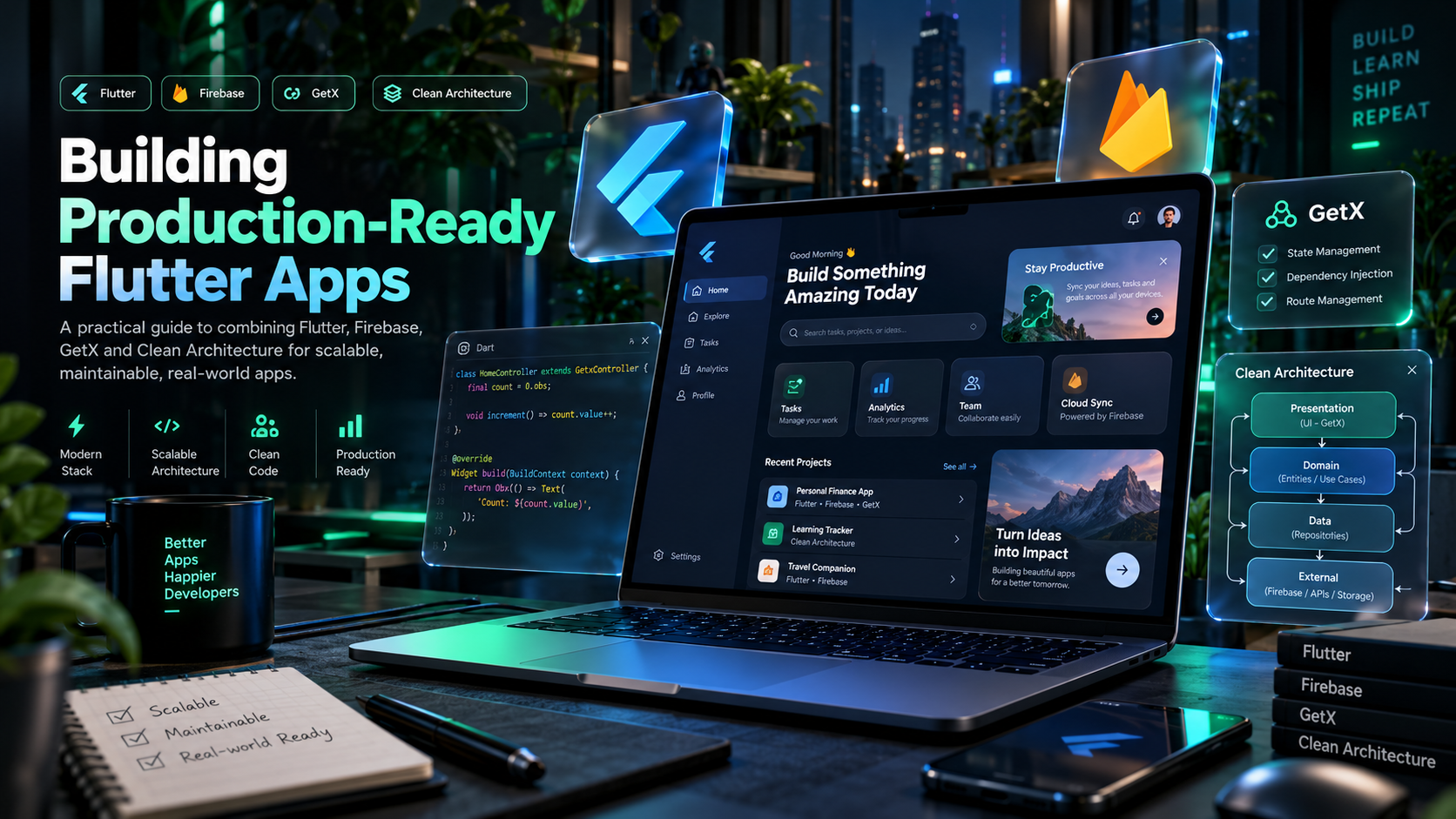
Introduction Flutter makes it possible to build beautiful, responsive applications from a single codebase. But developing a production-ready application requires more than creating attractive screens. A scalable Flutter project needs a well-organized architecture, efficient state management, secure authentication, reliable error handling, and a backend that can grow with the application. [highlight]In this tutorial, we'll explore how Flutter, Firebase, and GetX work together.[/highlight] 1. Choosing the Right Architecture One of the most common mistakes in Flutter development is placing business logic directly inside UI widgets. Recommended project structure: Controller: Manages reactive state and application actions. Service: Communicates with Firebase and external APIs. Model: Represents application data. View: Displays data and handles user interaction. [highlight]Clean architecture makes applications easier to maintain, test, and scale.[/highlight] 2. Initialize Firebase Initialize Firebase before using authentication, Cloud Firestore, or other Firebase services. The firebase_options.dart file is generated through FlutterFire CLI. 3. Create an Authentication Service Keep authentication logic outside UI widgets. 4. Manage State Using GetX GetX provides reactive state management for loading states, errors, and application actions. [highlight]The UI handles presentation; controllers manage state; services handle external systems.[/highlight] 5. Build a Reusable Loading Button Reusable widgets provide consistent behavior and visual design. 6. Handle Firebase Errors Properly Production applications must handle invalid credentials, network failures, permission errors, expired sessions, and unavailable backend services. Recommended behavior: Show clear error messages. Provide retry actions for network failures. Never leave users in infinite loading states. Reset loading indicators in finally blocks. Avoid exposing sensitive backend error details. [highlight]Error handling is part of the user experience, not an optional feature.[/highlight] 7. Improve Application Performance Use const constructors where appropriate. Avoid unnecessary widget rebuilds. Cache frequently accessed data. Paginate large Firestore collections. Compress and lazy-load images. Dispose controllers and subscriptions. Keep expensive operations outside UI rendering. Performance should be considered throughout development rather than only before release. 8. Production Security Checklist Configure Firestore Security Rules. Apply role-based authorization. Validate sensitive operations server-side. Never embed private keys in the Flutter app. Enable appropriate Firebase App Check protections. Test authentication and permission failures. Monitor Firebase usage and billing. [highlight]Client-side validation does not replace backend authorization.[/highlight] 9. Testing Before Deployment A successful compilation does not guarantee correct application behavior. Test authentication, navigation, forms, responsive layout, and error handling. Use GitHub Actions to automate tests, build verification, and Firebase Hosting deployment. Conclusion Building professional Flutter applications requires a balance of clean architecture, performance, security, and maintainability. By separating UI, state management, services, and models, developers can create scalable applications that are easier to understand and extend. The best architecture is the one that makes future changes safer and easier. --- Author: Flutter Developer Topics: Flutter Architecture, Firebase, GetX, Clean Code