How to Make Flutter Apps Load Faster: Cache-First Architecture & Background Data Loading | FSD Ramjan
Learn how to make Flutter applications load faster using cache-first architecture, asynchronous background refresh, and optimized startup initialization. Incl
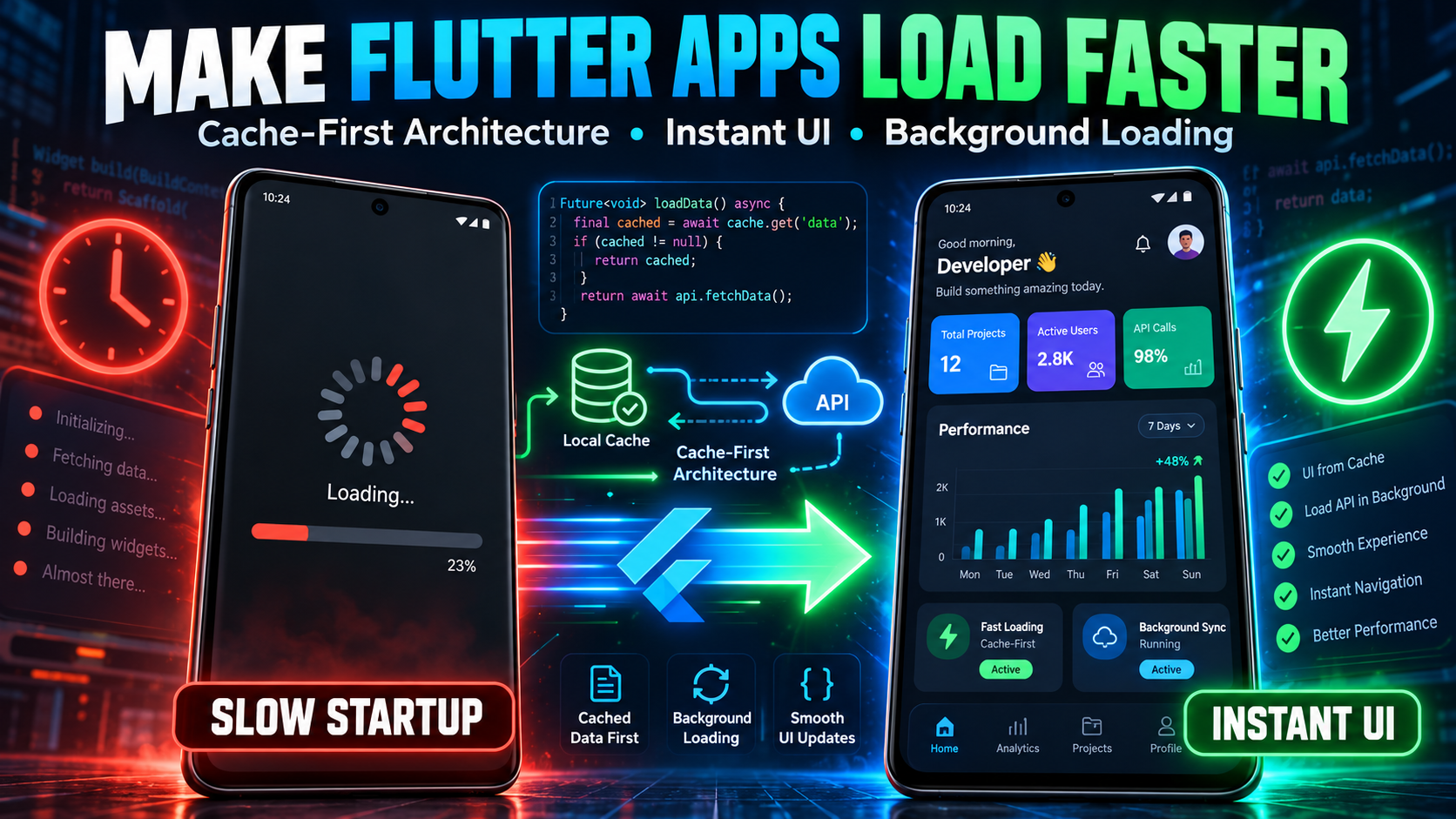
How to Make Flutter Apps Load Faster Build faster, smoother, and more responsive Flutter applications using cache-first architecture, asynchronous programming, and background data loading . In this practical Flutter tutorial, you'll learn how to eliminate unnecessary splash screen delays, optimize startup performance, and display useful content without waiting for every API request to complete. Why Do Flutter Apps Start Slowly? Flutter applications can feel slow when critical startup operations are mixed with non-essential background tasks. Common performance bottlenecks include: Waiting for multiple API responses before rendering the first screen. Loading entire Firestore collections during application startup. Using unnecessary splash screen delays. Repeatedly initializing services and controllers. Performing expensive synchronous operations on the UI isolate. 1. Render the UI Before Loading Remote Data Instead of blocking the initial screen while waiting for remote content, display the interface immediately and load non-critical data asynchronously. Example: Non-blocking Flutter Startup The application displays its initial screen immediately while the simulated remote operation runs asynchronously. Important: Services required before application functionality is available, such as Firebase initialization for Firebase-dependent features, must still be initialized correctly. 2. Implement Cache-First Loading Cache-first architecture improves perceived performance by displaying locally available content before refreshing it from a remote source. Example: Cache-First Data Repository This simplified example uses an in-memory cache. For content that must survive application restarts, use persistent local storage such as SharedPreferences, Hive, or a database. 3. Add Reliable Error Handling Network requests can fail due to connectivity problems, server outages, or timeouts. Example: Timeout Protection Note: Import when using TimeoutException. For production applications, preserve cached content after a refresh failure and expose a retry action rather than displaying a false success state. 4. Flutter Performance Best Practices Minimize startup tasks: Initialize only essential services before rendering. Use caching: Display previously loaded content instantly when available. Reduce rebuilds: Keep reactive widgets focused on specific state changes. Use lazy loading: Load secondary screens and expensive features only when needed. Handle failures gracefully: Apply timeouts, retries, and meaningful error states. Optimize images: Use suitable resolutions and caching strategies. Profile performance: Measure startup time and rendering in Flutter profile or release mode. Conclusion Flutter application performance depends on much more than animation speed or visual design. By implementing cache-first architecture, asynchronous background refresh, optimized initialization, and reliable error handling , developers can create applications that feel significantly faster and remain responsive under challenging network conditions. Render useful content early. Load non-critical data asynchronously. Build for performance, reliability, and scalability. Author: Fsd Ramjan Specialization: Flutter, Dart, Kotlin, Android Development, Performance Optimization & Native Integration