Why Flutter Apps Fail in the Background — And How to Build Reliable Solutions | FSD Ramjan
Learn why Flutter apps face background execution challenges and how Kotlin, FCM, Android services, and robust architecture help build reliable, production-rea
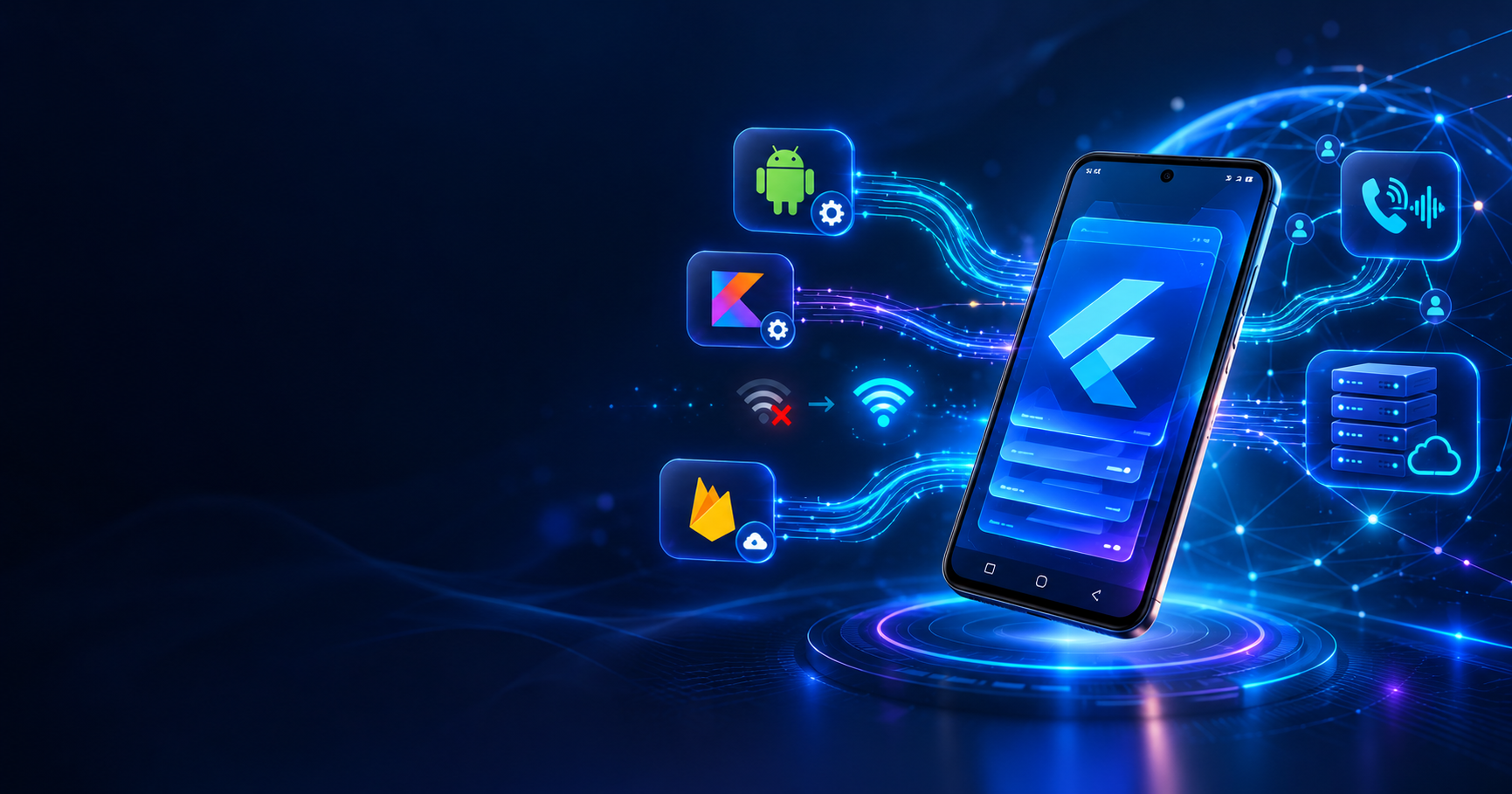
Why Flutter Apps Fail in the Background — And How to Build Reliable Solutions Building production-ready Flutter applications requires more than beautiful UI and clean Dart code. Understanding Android's operating system, background execution limits, and native integration is essential for developing reliable mobile applications. Flutter is an excellent cross-platform framework, but applications involving real-time communication, VoIP calls, network monitoring, and continuous background operations often face challenges that cannot be solved through Flutter widgets alone. In this article, we'll explore why Flutter applications sometimes fail in the background and how Flutter, Kotlin, Firebase, and proper software architecture can work together to build reliable, production-ready solutions. 1. Understanding Android Background Restrictions Modern Android versions implement background execution restrictions to protect battery life, memory, and system performance. When a Flutter application moves into the background, several challenges may occur: • Background services may be restricted. • Application processes may be terminated. • Network connections may disconnect. • Scheduled operations may be delayed. • Real-time listeners may stop receiving events. These restrictions become more noticeable when the device is locked, battery optimization is enabled, or the operating system decides to reclaim resources. An application that works perfectly while open may behave differently when it is minimized or its process is terminated. The Solution Developers should understand the Android application lifecycle and use platform-supported background execution mechanisms. Where appropriate, Firebase Cloud Messaging, WorkManager, native Android components, and permitted foreground services can help address background execution requirements. However, no background mechanism guarantees that an application will remain alive indefinitely. 2. Why Flutter Alone Isn't Always Enough Flutter is powerful for cross-platform development, but certain Android capabilities require deeper native integration. For advanced applications, developers may need: • Native Android development using Kotlin • Firebase Cloud Messaging (FCM) • Android foreground services • Flutter MethodChannel and EventChannel • WebRTC for real-time media communication • SIP for VoIP communication • MQTT and WebSocket connections • Android notification and calling APIs Each technology solves a different problem. For example, Flutter can provide a beautiful incoming-call interface, while native Android components integrate with supported notification and calling mechanisms. Similarly, WebSocket or MQTT can handle real-time communication while the application is active, but developers must design recovery strategies when connections become unavailable. The key is choosing the right technology for the right responsibility. 3. Flutter and Kotlin Integration A well-designed application should separate cross-platform functionality from native Android responsibilities. Flutter Responsibilities • User interface and animations • Navigation and state management • Business logic and application workflows • API integration and data presentation Kotlin Responsibilities • Native Android API integration • Android service lifecycle management • Device and hardware information • Platform-specific system events Using Flutter platform channels, both layers can communicate efficiently while maintaining a clean application architecture. Why This Architecture Matters Separating native functionality from UI components improves maintainability, reduces unnecessary coupling, and simplifies debugging. When a platform-specific problem occurs, developers can inspect the native layer without introducing unrelated changes to Flutter presentation logic. This approach is particularly useful for networking tools, VoIP applications, device diagnostics, and applications requiring deeper Android integration. 4. Building Reliable Real-Time Applications Real-time applications require more than a stable internet connection. Applications using WebSocket, MQTT, SIP, or WebRTC must handle interruptions, reconnection, and synchronization correctly. Important Engineering Practices • Implement automatic reconnection with controlled backoff. • Detect network changes and connection failures. • Synchronize application state after reconnecting. • Prevent duplicate event processing. • Secure communication and authentication. • Optimize background operations for battery efficiency. • Handle application lifecycle changes correctly. Example: VoIP Applications Consider a Flutter-based VoIP application that receives incoming calls using SIP. When the application is open, an active SIP connection may receive incoming-call events immediately. However, when Android terminates the application process, that connection is no longer available. A production architecture may use server-side call coordination, supported push notification mechanisms, and native Android calling integrations to notify the user. The exact implementation depends on Android version, application permissions, push delivery behavior, and platform policies. Reliable communication requires coordination between the application, backend server, and operating system. 5. A Working Demo Is Not a Production-Ready Application A successful demonstration does not guarantee real-world reliability. Production applications must handle unexpected situations that may never occur during basic development testing. Common Real-World Scenarios • The user switches from Wi-Fi to mobile data. • The internet connection becomes unstable. • Android terminates the application process. • Required permissions are denied or revoked. • The API server responds slowly or returns invalid data. • The device manufacturer applies additional battery restrictions. • The application receives duplicate network events. • A background operation is interrupted unexpectedly. How to Improve Reliability Developers should implement proper error handling, timeout management, lifecycle-aware components, and controlled recovery mechanisms. Applications must also communicate failures clearly to users. For example, if a network operation fails, displaying a meaningful error message with a retry option is better than showing an incorrect success result. Reliable software is designed to recover from unexpected conditions, not merely function under ideal ones. 6. Best Practices for Flutter Application Architecture A maintainable Flutter application should follow clear architectural principles. Separate Application Layers Keep presentation, business logic, networking, and platform-specific services organized according to their responsibilities. Reuse Existing Components Build reusable widgets, theme configurations, services, and utilities instead of duplicating functionality across multiple screens. Implement Structured Error Handling Handle exceptions properly and provide useful diagnostic information through structured logging. Use Lifecycle-Aware Networking Manage connections according to application state and reconnect only when appropriate. Optimize Performance Avoid unnecessary widget rebuilds, excessive polling, blocking operations, and inefficient network requests. Test on Real Devices Test different Android versions and manufacturers because device-specific behavior can affect background execution. Prioritize Security Protect authentication credentials, validate API responses, use secure communication channels, and follow Android permission requirements. Measure Before Optimizing Use profiling tools, structured logs, and performance measurements to identify actual bottlenecks. These practices improve reliability, simplify debugging, and support long-term application maintenance. 7. Flutter Background Services and Battery Optimization Battery optimization is an important consideration when developing background-enabled Android applications. Android uses mechanisms such as Doze mode, App Standby, and background execution limits to reduce unnecessary resource consumption. Developers should avoid keeping services active without a legitimate user-facing requirement. Recommended Practices • Use WorkManager for suitable deferrable background tasks. • Use permitted foreground services for supported ongoing tasks. • Use push notifications for appropriate server-driven events. • Avoid continuous polling when event-driven communication is possible. • R